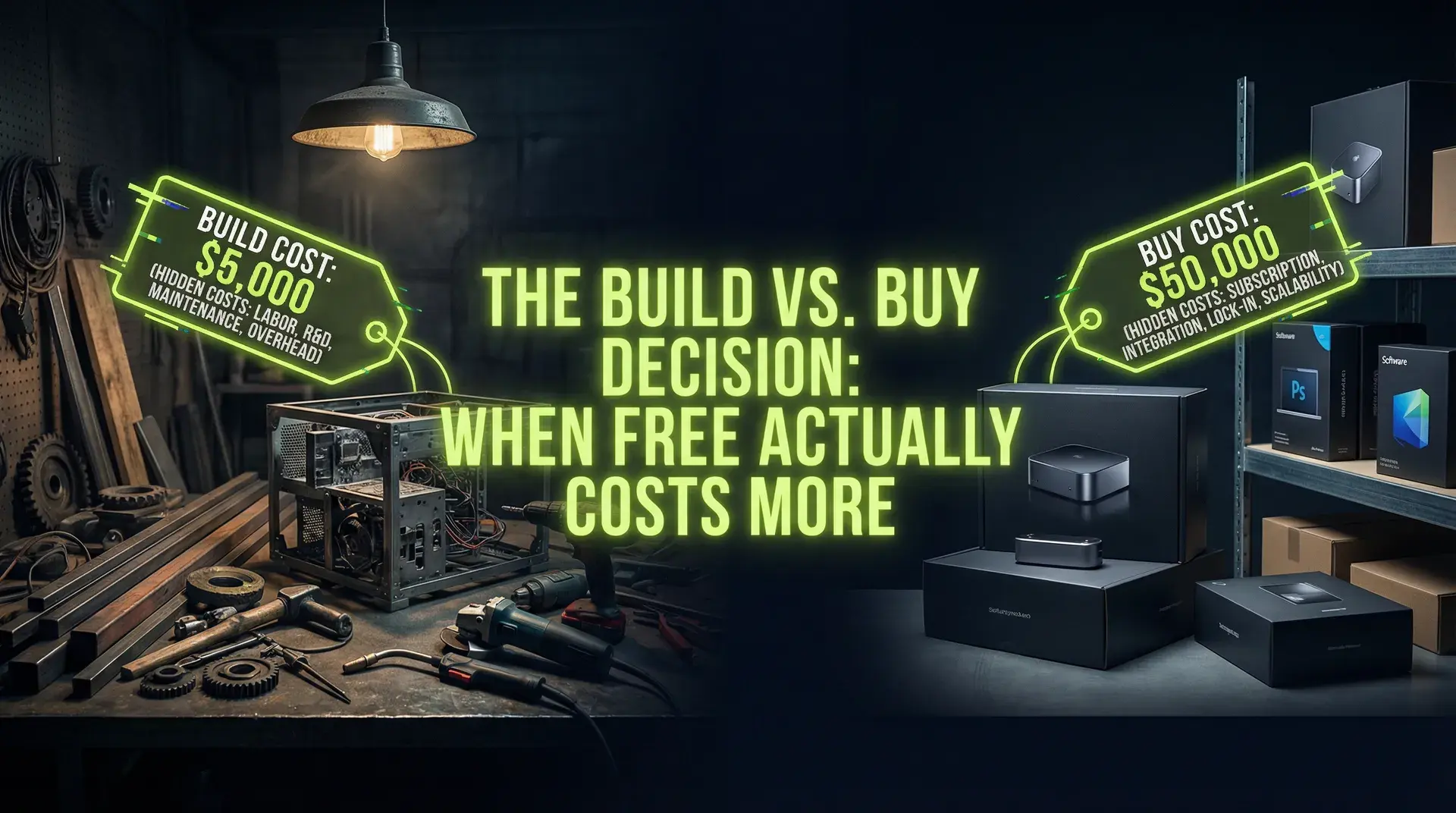
TL;DR
Auth from scratch: 6 weeks + ongoing security patches. Auth0/Clerk: generous free tiers and 1 day integration. Billing from scratch: 3 months + tax compliance nightmares. Stripe: 2.9% + $0.30. The true cost = (engineer salary × time) + maintenance + opportunity cost. Every hour on infrastructure is an hour not on product.
Part of the SaaS Architecture Decision Framework ... a comprehensive guide to architecture decisions from MVP to scale.
The "Free" Fallacy
Open source is free software. It is not a free solution.
The cost of deploying, configuring, maintaining, patching, and scaling open-source infrastructure is measured in engineering hours. Engineering hours are your most expensive resource... not cloud bills, not SaaS subscriptions.
A senior engineer earning $180,000/year costs approximately $90/hour loaded. Every hour they spend on infrastructure is an hour not spent on the product that generates revenue.
This opportunity cost is invisible in budgets but devastating to timelines.
The Opportunity Cost Equation
Before product-market fit, 100% of engineering time should be product. There is no other priority.
After product-market fit, infrastructure investment might make sense... if it creates competitive differentiation. "We built our own auth" creates no differentiation for 99.9% of companies.
The equation:
True Cost = (Hours × Hourly Rate) + Annual Maintenance + Opportunity CostFor a senior engineer building auth:
- Hours: 200 (4-6 weeks full-time)
- Hourly Rate: $90
- Build Cost: $18,000
But that's not the full picture:
- Annual Maintenance: 50 hours × $90 = $4,500/year
- Security Patches: 20 hours × $90 = $1,800/year
- Opportunity Cost: Features not shipped, market timing missed
Over 3 years:
- Build: $18,000
- Maintenance: $18,900
- Total: $36,900+
Clerk's pricing starts with a generous free tier (up to 10,000 MAU) and scales from there... typically a few cents per MAU depending on plan. At moderate scale, this translates to a few hundred dollars monthly, or roughly $7,000-10,000 over 3 years.
The "free" option costs 5x more.
Case Study: Authentication
Building authentication from scratch feels straightforward. Login, logout, session. How hard can it be?
The Hidden Scope
The real requirements:
- Password hashing with modern algorithms (bcrypt, Argon2)
- Password reset flows with secure, expiring tokens
- Email verification with rate limiting
- Session management across devices
- CSRF protection
- OAuth integration (Google, GitHub, Microsoft)
- MFA/2FA support
- Account lockout after failed attempts
- Audit logging for compliance
- Ongoing CVE patches as vulnerabilities are discovered
This is 4-6 weeks for a senior engineer... minimum. And you're not done.
The Maintenance Tail
OAuth specs change. Identity providers update their APIs. New security vulnerabilities are discovered. The OWASP Top 10 evolves.
Every year, your auth system needs maintenance just to stay secure. If you don't keep up, you're accumulating security debt that could become a breach.
When to Build Auth
Build auth if:
- You ARE an auth company (Auth0, Clerk, etc.)
- Your auth system is core differentiation (identity verification, specific compliance)
- You need capabilities no vendor provides
For everyone else, buy.
Clerk: $0 to 10,000 MAU, 1 day integration Auth0: Generous free tier, scales predictably Auth.js: Open source but still requires deployment and maintenance
The time saved ships as product features instead.
Case Study: Billing and Subscriptions
Billing looks simple: charge customers monthly. Stripe already handles the payment. How much extra work could there be?
The Hidden Scope
Production billing systems need:
- Subscription lifecycle management (create, upgrade, downgrade, cancel)
- Proration for mid-cycle changes
- Dunning (retry logic for failed payments)
- Tax calculation across jurisdictions (EU VAT, US sales tax by state)
- Invoice generation and storage
- Usage-based billing if applicable
- Revenue recognition for accounting
- Refunds and credits
- Coupon and discount logic
- Annual vs. monthly billing options
This is 2-3 months of engineering time for a production-grade system.
Revenue Leaks
Every bug in your billing system is either:
- Undercharging customers (revenue loss)
- Overcharging customers (chargebacks, trust loss)
- Failing to recover failed payments (churn)
Stripe has teams dedicated to maximizing payment recovery. Their dunning logic has been optimized across billions of transactions. Your homebrew solution will be worse.
When to Build Billing
Build billing if:
- Your pricing model is so unusual that Stripe Billing can't express it
- You need deep integration with existing ledger systems
- Stripe's 2.9% is material at your scale (you're processing $100M+/year)
For everyone else, Stripe Billing handles:
- Subscription lifecycle
- Proration
- Dunning
- Tax calculation (via Stripe Tax)
- Invoicing
- Customer portal
Setup takes days, not months. The 2.9% + $0.30 is the cheapest "enterprise billing team" you can hire.
The Decision Framework
Differentiation Test
Does this component create competitive advantage?
- Core algorithm: Yes, build it
- Authentication: No, buy it
- Billing: No, buy it
- Search: Maybe... depends on whether search IS your product
- Analytics: Usually no, buy it
Commoditization Test
Is this a solved problem with established solutions?
If multiple vendors offer mature solutions with predictable pricing, the component is commoditized. Building it creates no advantage... you're just recreating work others have already done.
Reversibility Test
How painful is it to switch later?
- Auth: Moderately painful (user migration)
- Billing: Painful (subscription migration)
- Database: Very painful
- Core product logic: Usually irreversible
If switching is easy, start with buy. You can always build later if vendors become too expensive or too limiting.
Low-Code for Internal Tools
Engineering time spent on internal dashboards is time not spent on customer-facing product.
The Pattern
Every growing startup eventually needs:
- Admin dashboard for customer support
- Reporting dashboards for executives
- Operations tools for ops team
- Approval workflows for compliance
Building these traditionally means:
- Backend endpoints
- Frontend UI
- Authentication and permissions
- Deployment and maintenance
Each tool is a small project. Ten tools is a significant investment.
The Alternative
Tools like Retool, Airplane, and Superblocks allow non-engineers (or engineers moving fast) to build internal applications by connecting to existing databases and APIs.
A dashboard that takes a week to build custom takes hours in Retool.
When to Build Custom
Build custom internal tools if:
- The tool is customer-facing (it's product, not internal)
- Performance requirements exceed what low-code can deliver
- You need UI customization that low-code can't express
For internal operations, low-code is almost always correct.
The Vendor Risk Evaluation
Buying introduces risk: what if the vendor fails, raises prices, or deprecates features you depend on?
Mitigation Strategies
Evaluate vendor stability: Prefer established vendors (Stripe, Auth0) over venture-funded startups that might not survive.
Check for data export: Can you get your data out? Auth0 lets you export users. Stripe provides full transaction history.
Avoid deep coupling: Use abstraction layers that could switch to a different provider. Don't let vendor-specific patterns spread through your codebase.
Read the roadmap: Is the vendor investing in the product? Are they shipping improvements?
The Math Still Usually Favors Buy
Even accounting for vendor risk, the math typically favors buying.
If a vendor fails:
- You have months of notice during their wind-down
- You can migrate to a competitor (the abstraction layer helps)
- The migration cost is comparable to having built it yourself
If you build yourself:
- You pay the full cost upfront
- You carry the maintenance burden forever
- You're not better positioned if you later need to migrate
Vendor risk is real but usually overweighted in build-vs-buy decisions.
Common Mistakes
"We Might Need Custom Later"
Building for hypothetical future requirements is premature optimization.
If you might need custom auth later, buy auth now. Later, when "might" becomes "definitely," you'll have:
- Real usage data to inform requirements
- Revenue to fund the build
- Actual constraints (not imagined ones) to design against
Building now costs months. Buying now costs weeks. Switching later costs weeks. Buy now, potentially switch later.
"Open Source Is Free"
Open source shifts cost from dollars to hours.
Self-hosting Keycloak instead of using Auth0:
- No subscription fees
- But: deployment, configuration, upgrades, patches, monitoring
- Staff time at $90/hour adds up fast
Open source makes sense when:
- You have dedicated ops staff already
- The component requires customization that SaaS doesn't support
- You're large enough that subscription costs are material
For startups, managed SaaS is almost always cheaper in TCO.
"We Can Build It Faster"
You probably can't.
The vendors have been iterating for years. They've found and fixed bugs you haven't imagined yet. They've handled edge cases you don't know exist.
Your "quick" implementation will be slower and buggier. Then you'll spend months fixing the gaps.
The Build vs. Buy Checklist
Before Deciding
- Is this component differentiating? (If no, strong buy signal)
- Do mature vendors exist? (If yes, evaluate their solutions)
- What's the true build cost including maintenance?
- What's the opportunity cost of not building product?
Evaluating Vendors
- Is the vendor stable? (Funding, customer base, time in market)
- Can you export your data?
- Does pricing scale reasonably?
- Is there an abstraction that allows switching?
After Deciding to Buy
- Wrap the vendor in an abstraction layer
- Document the integration for future reference
- Set up monitoring/alerting for the vendor's status
- Plan for what happens if you need to switch
Conclusion
The build vs. buy decision is a capital allocation problem, not a technical one.
Every hour your engineers spend on commodity infrastructure is an hour not spent on your product. The opportunity cost is invisible but real.
For components that don't differentiate your product... auth, billing, email, internal tools... the math almost always favors buying. The vendors are cheaper, faster, and better than what you'll build.
Save your engineering capacity for the work that only you can do. That's what customers pay for.
Struggling with build vs. buy decisions? I help technical founders evaluate options and make architecture decisions that optimize for business outcomes.
Continue Reading
This post is part of the SaaS Architecture Decision Framework ... covering multi-tenancy, deployment models, database scaling, and cost optimization from MVP to $1M ARR.
More in This Series
- Multi-Tenancy with Prisma & RLS ... Database isolation patterns
- Zero to 10K MRR SaaS Playbook ... Early-stage architecture
- Boring Technology Wins ... Technology selection philosophy
Related Guides
Ready to make better architecture decisions? Work with me on your SaaS architecture.