TL;DR
Hard shadows (4px 4px 0px #000), thick borders (3-4px), high contrast colors, monospace typography. Expose the box model. Anti-patterns: soft shadows, excessive rounding, gradients. Neo-brutalism works for portfolios, creative tools, and indie products. Skip it for enterprise B2B and healthcare.
Part of the Modern Frontend Architecture Guide ... design systems, component patterns, and Server Components.
The Philosophy: Truth to Materials
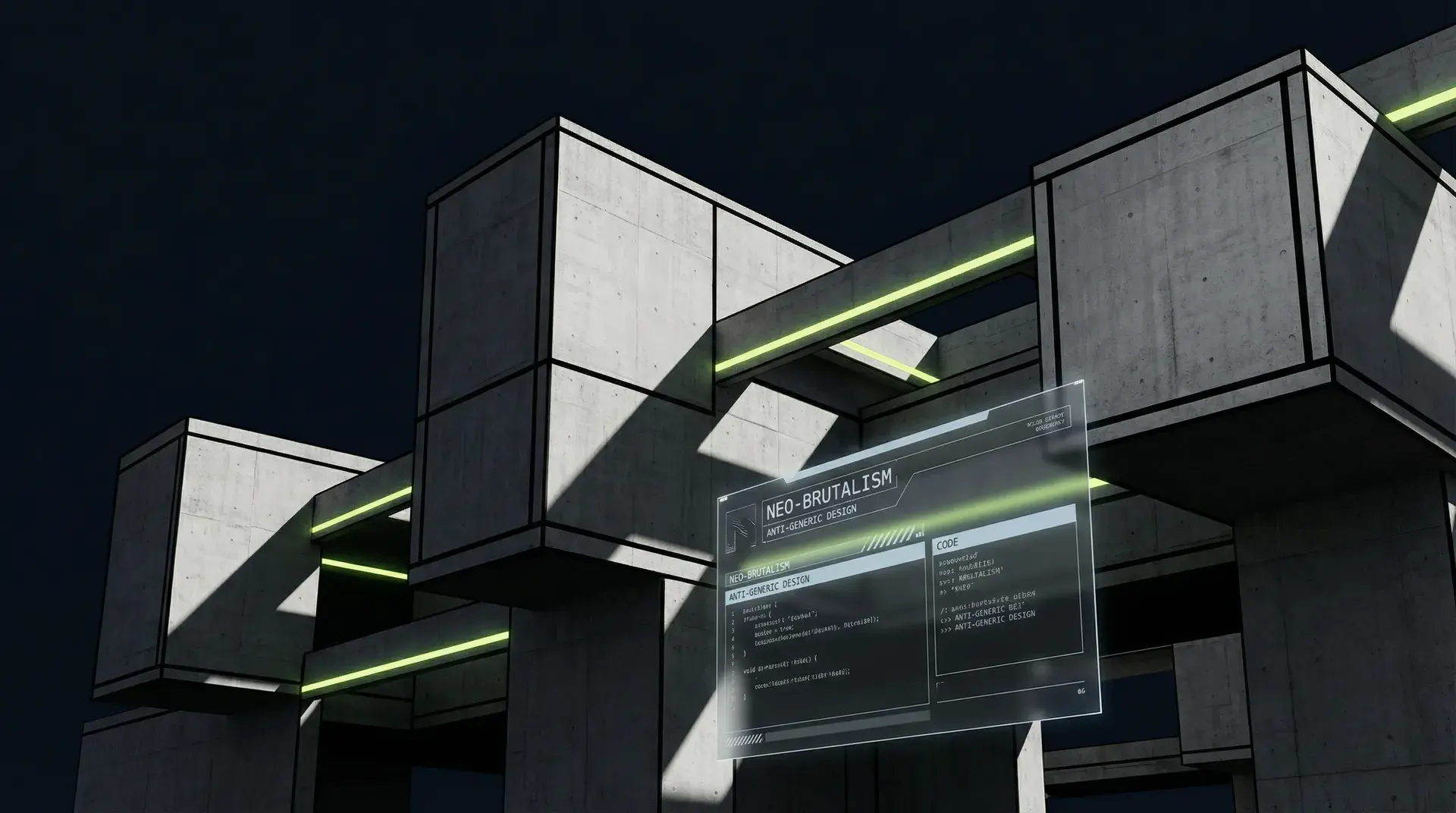
Architectural Brutalism emerged in the 1950s. The name comes from "béton brut"... raw concrete. Buildings exposed their structure: concrete walls, visible pipes, unapologetic geometry.
Le Corbusier's Unité d'Habitation. The Barbican in London. These buildings don't hide what they are. The material is the aesthetic.
Web Brutalism translates this philosophy to the DOM. The box model... rectangles, borders, padding... is the "raw concrete" of the web. Neo-brutalism exposes it.
Where generic UI softens every edge, blurs every shadow, and rounds every corner, neo-brutalism keeps things sharp. The interface doesn't pretend to be something it isn't. It's boxes on a screen, and it celebrates that fact.
First Wave vs. Second Wave
Early web brutalism was anti-design. Craigslist. Hacker News. Deliberately ugly, rejecting visual polish as corporate artifice.
Second-wave neo-brutalism... what we're discussing here... is different. It's deliberate, not careless. Polished, not ugly. It uses brutalist elements (hard shadows, thick borders) with thoughtful typography, intentional color palettes, and careful attention to usability.
Think: Gumroad, Figma Config, Beehiiv, Linear's website. These aren't ugly sites. They're striking sites that reject the rounded-corner-plus-gradient sameness that dominates web design.
Neo-brutalism is a friendly rebellion: distinctive enough to stand out, polished enough to be usable.
The Visual Anatomy
Borders: Thick and Visible
Standard: border: 1px solid #e5e5e5
Neo-brutalist: border: 3px solid #000
The border isn't a subtle separator. It's a structural element that defines the box.
/* Generic */
.card {
	border: 1px solid rgba(0, 0, 0, 0.1);
	border-radius: 12px;
}

/* Neo-brutalist */
.card {
	border: 3px solid #000;
	border-radius: 0;
}
Borders can use your accent color for emphasis:
.card-accent {
	border: 3px solid #ccf381; /* Cyber lime */
}
Shadows: Hard Offset, Never Blur
The signature element. Generic UI uses blur to create depth illusion:
/* Generic - blur creates "floating" effect */
box-shadow: 0 4px 6px rgba(0, 0, 0, 0.1);
Neo-brutalism uses hard offset... shadows with zero blur:
/* Neo-brutalist - hard shadow creates dimension */
box-shadow: 4px 4px 0px #000;
The shadow is a physical displacement, like a cut piece of paper held above a surface. It's honest about what it is: a visual trick, not a simulation of real depth.
In Tailwind:
<div class="shadow-[4px_4px_0px_#000]">Hard shadow card</div>Typography: Bold and Monospace
Neo-brutalist typography favors:
Headlines: Bold weights, tight tracking, often monospace Body: Clean sans-serif (Inter, Söhne, system fonts) Accents: Monospace for technical elements, labels, metadata
<!-- Headline with monospace accent -->
<h1 class="font-mono text-4xl font-bold tracking-tight">BUILD_FAST()</h1>

<!-- Body text -->
<p class="font-sans text-lg leading-relaxed">Neo-brutalism strips away the decorative...</p>

<!-- Technical label -->
<span class="font-mono text-xs tracking-wider uppercase"> SECTION_01 </span>
The monospace treatment adds a technical, "code-like" quality. It signals intentionality... this isn't a template, it's crafted.
Colors: High Contrast, Limited Palette
Neo-brutalist palettes are constrained: typically 3-4 colors with high contrast.
The formula:
- Deep background (not pure black)
- Bright accent (the signature color)
- Neutral text colors (high contrast)
- Black for borders and shadows
:root {
	--bg-primary: #0b0e14; /* Deep navy, not pure black */
	--accent: #ccf381; /* Bright lime - the signature */
	--text-primary: #e2e8f0; /* High contrast white */
	--text-secondary: #94a3b8; /* Softer for secondary */
	--border: #000; /* Pure black for hard edges */
}
Pure black (#000) as a background is too harsh. A near-black with a slight tint (navy, charcoal) feels more intentional.
Layout: Visible Grid, Asymmetry
Generic layouts hide their structure. Neo-brutalism exposes it.
Visible grid lines:
<div class="grid grid-cols-3 gap-px bg-white/10">
	<div class="bg-void-navy p-4">Column 1</div>
	<div class="bg-void-navy p-4">Column 2</div>
	<div class="bg-void-navy p-4">Column 3</div>
</div>
The gap-px bg-white/10 creates visible grid lines between cells.
Asymmetric compositions: Instead of centered layouts, neo-brutalism often uses left-aligned text, offset elements, and deliberate imbalance. The design feels structured but not symmetric.
Tailwind Implementation
Theme Configuration
// tailwind.config.js
export default {
	theme: {
		extend: {
			colors: {
				"void-navy": "#0b0e14",
				"mist-white": "#e2e8f0",
				"gunmetal-glass": "#1e293b",
				"slate-text": "#94a3b8",
				"cyber-lime": "#ccf381",
				"burnt-ember": "#ff6b6b",
			},
			fontFamily: {
				mono: ["JetBrains Mono", "monospace"],
				sans: ["Inter", "system-ui", "sans-serif"],
			},
			boxShadow: {
				brutal: "4px 4px 0px #000",
				"brutal-sm": "2px 2px 0px #000",
				"brutal-lg": "6px 6px 0px #000",
				"brutal-accent": "4px 4px 0px #ccf381",
			},
			borderWidth: {
				3: "3px",
				4: "4px",
			},
		},
	},
};
Button Component
// components/ui/brutal-button.tsx
interface BrutalButtonProps {
	children: React.ReactNode;
	variant?: "primary" | "secondary" | "ghost";
	onClick?: () => void;
}

export function BrutalButton({ children, variant = "primary", onClick }: BrutalButtonProps) {
	const base = `
    relative font-mono text-sm uppercase tracking-wide
    border-3 border-black px-6 py-3
    transition-all duration-150
    active:translate-x-1 active:translate-y-1 active:shadow-none
    focus:outline-none focus:ring-2 focus:ring-cyber-lime focus:ring-offset-2
    focus:ring-offset-void-navy
  `;

	const variants = {
		primary: `
      bg-cyber-lime text-black
      shadow-brutal
      hover:bg-cyber-lime/90
    `,
		secondary: `
      bg-void-navy text-mist-white
      shadow-brutal
      hover:bg-gunmetal-glass
    `,
		ghost: `
      bg-transparent text-mist-white border-white/20
      hover:border-cyber-lime hover:text-cyber-lime
    `,
	};

	return (
		<button className={`${base} ${variants[variant]}`} onClick={onClick}>
			{children}
		</button>
	);
}
The active:translate-x-1 active:translate-y-1 active:shadow-none creates a "press down" effect... the button moves to fill its shadow, simulating physical depth.
Card Component
// components/ui/brutal-card.tsx
interface BrutalCardProps {
	children: React.ReactNode;
	accent?: boolean;
}

export function BrutalCard({ children, accent = false }: BrutalCardProps) {
	return (
		<div
			className={`bg-gunmetal-glass/20 relative border-3 p-6 backdrop-blur-md ${accent ? "border-cyber-lime" : "border-white/10"} shadow-brutal`}
		>
			{/* Corner brackets */}
			<div className="border-cyber-lime absolute top-0 right-0 h-4 w-4 border-t-2 border-r-2" />
			<div className="border-cyber-lime absolute bottom-0 left-0 h-4 w-4 border-b-2 border-l-2" />

			{children}
		</div>
	);
}
The corner brackets are a signature neo-brutalist touch... they emphasize the rectangular nature of the box while adding visual interest.
Section Header
// components/ui/section-header.tsx
interface SectionHeaderProps {
	label: string;
	title: string;
}

export function SectionHeader({ label, title }: SectionHeaderProps) {
	return (
		<header className="mb-8">
			<span className="text-cyber-lime font-mono text-xs tracking-wider uppercase">
				<span className="bg-cyber-lime mr-2 inline-block h-2 w-2 animate-pulse rounded-full" />
				{label}
			</span>
			<h2 className="text-mist-white mt-2 font-mono text-3xl font-bold tracking-tight">{title}</h2>
		</header>
	);
}
The pulsing dot next to the label adds subtle life... a "status indicator" aesthetic that suggests the interface is active.
Input Field
// components/ui/brutal-input.tsx
interface BrutalInputProps {
	label: string;
	type?: string;
	placeholder?: string;
}

export function BrutalInput({ label, type = "text", placeholder }: BrutalInputProps) {
	return (
		<div className="space-y-2">
			<label className="text-slate-text font-mono text-xs tracking-wider uppercase">{label}</label>
			<input
				type={type}
				placeholder={placeholder}
				className="bg-void-navy text-mist-white placeholder:text-slate-text focus:border-cyber-lime w-full border-3 border-white/20 px-4 py-3 font-sans transition-colors duration-150 focus:outline-none"
			/>
		</div>
	);
}
Note: no rounded-* classes. Inputs are rectangular, honoring the box model.
Texture: The Noise Overlay
Neo-brutalist designs often add subtle texture to break up flat digital surfaces. A noise overlay creates a "screen-printed" quality.
// components/ui/noise-overlay.tsx
export function NoiseOverlay() {
	return (
		<div
			className="pointer-events-none fixed inset-0 z-50 opacity-[0.015]"
			style={{
				backgroundImage: `url("data:image/svg+xml,%3Csvg viewBox='0 0 256 256' xmlns='http://www.w3.org/2000/svg'%3E%3Cfilter id='noise'%3E%3CfeTurbulence type='fractalNoise' baseFrequency='0.8' numOctaves='4' stitchTiles='stitch'/%3E%3C/filter%3E%3Crect width='100%25' height='100%25' filter='url(%23noise)'/%3E%3C/svg%3E")`,
			}}
		/>
	);
}
The noise is applied at very low opacity (1.5%). It shouldn't be visible... it should be felt. Zoom into the screen and you'll see it. At normal viewing distance, it just adds "presence."
Accessibility Considerations
Neo-brutalism, done well, is more accessible than generic UI.
Advantages
High contrast: Thick borders and bold colors improve visibility. The strong visual hierarchy helps users with cognitive disabilities parse the interface.
Clear focus states: The aesthetic naturally emphasizes states. A focus ring in cyber lime against void navy is unmissable.
className = "focus:ring-2 focus:ring-cyber-lime focus:ring-offset-2 focus:ring-offset-void-navy";Reduced cognitive load: Limited color palettes and consistent styling reduce decision fatigue. The design tells you where to look.
Risks
Sensory intensity: Bold colors and hard contrasts can be overwhelming for users with sensory sensitivities. Provide options:
// Respect reduced motion preference
const prefersReducedMotion = window.matchMedia("(prefers-reduced-motion: reduce)").matches;

// Consider a "softer" mode toggle for sensitive users
Animation overuse: The pulsing indicators and hover effects should be subtl. Avoid large-scale animations that could trigger vestibular disorders.
Color Contrast Requirements
WCAG 2.1 AA requires:
- 4.5:1 contrast for normal text
- 3:1 contrast for large text and UI components
The void navy (#0b0e14) + mist white (#e2e8f0) combination exceeds this:
#e2e8f0 on #0b0e14 = 12.4:1 (exceeds AAA)
#94a3b8 on #0b0e14 = 6.4:1 (exceeds AA)
#ccf381 on #0b0e14 = 11.8:1 (exceeds AAA)
Test your palette with tools like WebAIM Contrast Checker.
Case Study: alexmayhew.dev
This site implements neo-brutalism for a developer portfolio.
Palette:
- Void Navy (
#0b0e14): Background - Cyber Lime (
#ccf381): Accent, CTAs, focus states - Gunmetal Glass (
#1e293b): Cards, surfaces - Mist White (
#e2e8f0): Primary text - Slate Text (
#94a3b8): Secondary text
Typography:
- JetBrains Mono: Headlines, labels, code
- Inter: Body text, paragraphs
Signature elements:
- Hard shadows on interactive elements
- Corner brackets on cards
- Noise overlay for texture
- Pulsing status indicators
- Monospace technical labels (
SECTION_01,LOADING_ASSETS())
The aesthetic signals: "This is a technical person's work. It's intentional, not default."
When NOT to Use Neo-Brutalism
The aesthetic has limits.
Enterprise B2B
Enterprise buyers are risk-averse. Bold design signals "startup" or "experimental." When selling to Fortune 500 compliance teams, the safest UI is the most boring UI.
That doesn't mean generic design is good... it means the audience expectations differ.
Healthcare and Finance
These industries need calm, not bold. Users are often stressed (health concerns, money concerns). Visual intensity adds cognitive load at the worst time.
Healthcare UI should feel like a doctor's office: clean, professional, reassuring. Neo-brutalism feels like an art gallery... appropriate for portfolios, not patient portals.
High-Volume E-Commerce
The hard edges and bold colors can create visual fatigue during extended browsing. Soft, neutral e-commerce design lets products be the focus.
Amazon is ugly, but intentionally invisible. The design doesn't compete with product images.
Brand Mismatch
If your brand is soft and approachable (think: Mailchimp, Notion), neo-brutalism creates cognitive dissonance. The visual language should match the brand personality.
Ask: "Does this aesthetic represent who we are?" If you're building developer tools, creative software, or indie products... likely yes. If you're building daycare scheduling software... probably not.
Implementation Checklist
Foundation
- Define color palette (4-5 colors max)
- Configure Tailwind theme with custom values
- Choose fonts (sans-serif body + monospace accents)
- Test contrast ratios against WCAG AA
Components
- Buttons with hard shadows and press-down effect
- Cards with borders and corner brackets
- Inputs with rectangular styling
- Section headers with monospace labels
- Focus states visible on all interactive elements
Polish
- Add noise overlay (subtle!)
- Implement reduced motion support
- Test on mobile (touch targets, readability)
- Verify accessibility (keyboard nav, screen reader)
Avoid
- No
rounded-lg,rounded-xl,rounded-full - No blurred shadows (
shadow-lg,shadow-xl) - No gradients (except for very subtle lighting effects)
- No centered text blocks (prefer left-aligned)
- No pure black backgrounds
Conclusion
Neo-brutalism isn't anti-design. It's intentional design that rejects the default.
The aesthetic works because it's honest. The web is boxes on a screen. Most design tries to obscure this with rounded corners, blurred shadows, and gradient overlays. Neo-brutalism says: "This is what it is, and that's beautiful."
Technically, it's straightforward. Hard shadows, thick borders, high contrast, limited palette. The difficulty is restraint... knowing when to stop, keeping the palette tight, resisting the urge to add "just one more gradient."
Use it when you want to stand out. When your audience values craft over convention. When "looking like every other SaaS" is the wrong message.
And if your client asks for soft shadows and rounded corners... well, there's nothing wrong with that either. Design serves context. Neo-brutalism is one tool, not the only tool.
Want a distinctive, anti-generic design for your product? I build interfaces with strong visual identity... including the neo-brutalist aesthetic you see on this site.
Continue Reading
This post is part of the Modern Frontend Architecture Guide ... covering design systems, component APIs, CSS strategy, and React Server Components.
More in This Series
- Component API Design ... Props, variants, composition
- Design Tokens Beyond Color ... Typography, spacing, elevation
- Tailwind vs Component Libraries ... CSS strategy comparison
- Accessibility in Design Systems ... Testing and enforcement
Building a design system? Work with me on your frontend architecture.