TL;DR
METR found experienced developers were 19% slower with AI on complex tasks in mature codebases. CodeRabbit measured 1.7x more bugs and 2.74x higher security vulnerabilities in AI-generated code. The Harness 2025 developer survey found a majority of engineers spend more time debugging AI output than expected. AI excels at greenfield boilerplate, test scaffolding, and documentation. It fails at security-critical code, debugging mature systems, and architectural decisions. The difference isn't "AI good" vs "AI bad"... it's knowing which task category you're in before you start.
Part of the AI-Assisted Development Guide ... from code generation to production LLMs.
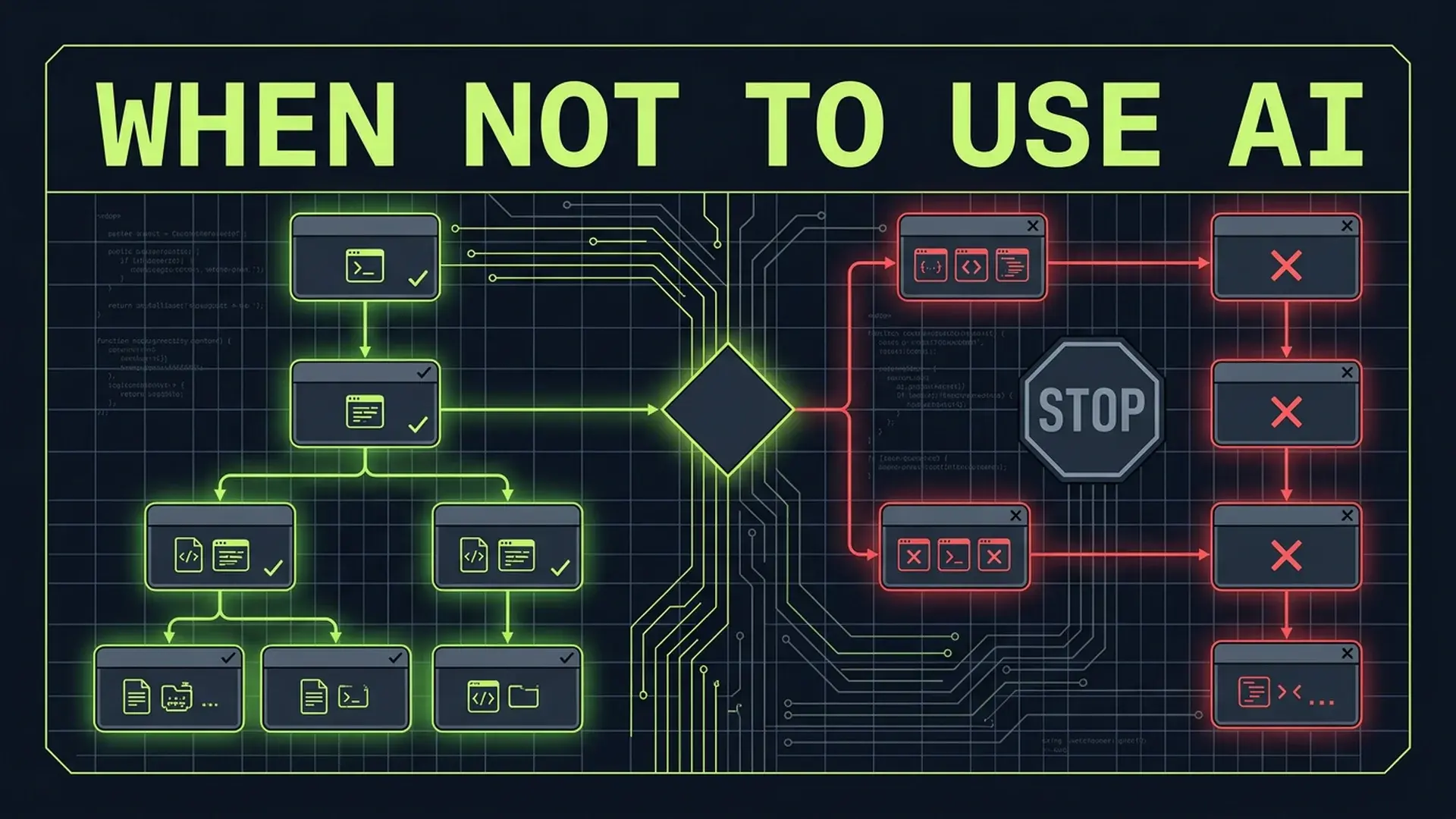
The Decision Tree
Before reaching for AI assistance on any coding task, run it through this filter. It takes 30 seconds and prevents hours of cleanup.
| Task Characteristic | AI Suitability | Why |
|---|---|---|
| Greenfield, no existing codebase | High | No conventions to violate, no context to miss |
| Boilerplate with known patterns | High | Pattern reproduction is AI's strongest capability |
| Test scaffolding from existing code | High | Mechanical transformation, low ambiguity |
| Documentation generation | High | Summarization and formatting are reliable |
| Debugging in a mature codebase | Low | Requires deep context AI doesn't have |
| Security-critical code paths | Low | 2.74x more vulnerabilities in AI code |
| Architectural decisions | Low | AI optimizes locally, not systemically |
| Cross-module refactoring | Low | Requires understanding coupling AI can't see |
| Performance-critical hot paths | Low | AI generates "correct" code, not fast code |
| Compliance/regulatory code | Low | Errors have legal consequences AI can't assess |
| Business logic invariants | Low | AI doesn't understand your domain constraints |
This isn't a suggestion. In practice, teams that skip this assessment routinely burn 2-4 sprint days on AI-generated code that has to be rewritten.
The Seven Categories Where AI Hurts
1. Security-Critical Code Paths
CodeRabbit's analysis of AI-generated code found 2.74x higher security vulnerability density compared to human-written code. Not 2.74% more. 2.74 times more.
The failure mode is specific: AI generates code that handles the happy path correctly but misses the security edge cases that matter.
// AI-generated authentication middleware
async function authenticateRequest(req: Request): Promise<User> {
	const token = req.headers.get("authorization")?.replace("Bearer ", "");
	if (!token) throw new Error("No token provided");

	const decoded = jwt.verify(token, process.env.JWT_SECRET);
	const user = await db.users.findById(decoded.sub);
	return user;
}
This looks correct. It's not. Missing:
- Timing-safe comparison:
jwt.verifymay be vulnerable to timing attacks depending on the library - Token revocation check: Verified tokens might be revoked (user logged out, password changed)
- Algorithm restriction: Without specifying allowed algorithms, an attacker can use
alg: none - Clock skew handling: No tolerance for server clock drift
- Rate limiting on failed attempts: No brute force protection
- Audience and issuer validation: Token might be valid but issued for a different service
// What production actually needs
async function authenticateRequest(req: Request): Promise<User> {
	const token = req.headers.get("authorization")?.replace("Bearer ", "");
	if (!token) {
		throw new AuthError("MISSING_TOKEN", "No token provided");
	}

	let decoded: JwtPayload;
	try {
		decoded = jwt.verify(token, process.env.JWT_SECRET, {
			algorithms: ["RS256"],
			audience: process.env.JWT_AUDIENCE,
			issuer: process.env.JWT_ISSUER,
			clockTolerance: 30,
		}) as JwtPayload;
	} catch (err) {
		await rateLimiter.recordFailedAuth(req.ip);
		throw new AuthError("INVALID_TOKEN", "Token verification failed");
	}

	// Check token revocation
	const isRevoked = await tokenRevocationStore.isRevoked(decoded.jti);
	if (isRevoked) {
		throw new AuthError("REVOKED_TOKEN", "Token has been revoked");
	}

	const user = await db.users.findById(decoded.sub);
	if (!user || user.status !== "active") {
		throw new AuthError("USER_NOT_FOUND", "User not found or inactive");
	}

	return user;
}
The AI version handles 1 of 7 security concerns. 45% of AI-generated code contains security vulnerabilities according to Stanford research. For auth flows, payment processing, data encryption, and access control... write it yourself or have a security engineer review every line.
2. Debugging in Mature Codebases
This is where the METR data hits hardest. Experienced developers were 19% slower when using AI assistance on complex debugging tasks in mature codebases.
The reason is architectural: debugging requires understanding why code exists, not what it does. AI can read code and explain its behavior. It can't explain the business decision from 2023 that led to the unusual error handling in the payment module, or why the retry logic in the queue consumer has a specific backoff curve that matches your SLA requirements.
In a codebase with 500K+ lines, the relevant context for a bug spans multiple files, multiple services, and multiple historical decisions. AI tools operate on limited context windows. They see the file you're looking at. They don't see the deployment configuration that changes behavior in production, the feature flag that alters the code path for 10% of users, or the database migration from last quarter that changed the column type.
I've watched developers spend 3 hours asking AI to debug an issue that a senior engineer familiar with the codebase solved in 20 minutes. The senior knew which module to check because they knew the system's failure modes. The AI suggested plausible fixes to the wrong component.
3. Architectural Decisions
AI systems optimize locally. They'll generate a perfect implementation of the wrong pattern.
Ask AI to "design the caching layer for our user service" and you'll get a technically correct Redis implementation. It won't ask whether your user service even needs caching. It won't consider that your database has 50K users and serves 100 requests per minute... a load where caching adds complexity without meaningful benefit.
In practice, SaaS teams routinely implement AI-suggested architectures that solve problems they don't have:
- Event sourcing for a CRUD app with 200 users
- Microservices for a team of 3 developers
- GraphQL federation for an API with 8 endpoints
Each team spent 2-4 months building infrastructure they didn't need. The AI suggested technically sophisticated solutions because it was trained on content that favors sophisticated solutions. Blog posts about simple CRUD apps don't get written.
Decision erosion is the specific failure mode: each AI suggestion is locally reasonable, but the cumulative effect is an over-engineered system that nobody on the team fully understands.
4. Cross-Module Refactoring
Refactoring within a single file is AI's comfort zone. It can extract functions, rename variables, simplify conditionals, and restructure classes competently.
Cross-module refactoring is different. Moving a concern from the API layer to a service layer affects route handlers, middleware, validation logic, error handling, tests, and documentation. AI can handle any one of these changes. It can't coordinate all of them consistently.
GitClear's data shows a 60% decline in refactoring activity since widespread AI adoption. Teams aren't refactoring less because AI handles it... they're refactoring less because AI makes it easier to add new code than to restructure existing code. The path of least resistance is always "add another function" rather than "restructure the module."
The result: codebases grow in size without growing in coherence. AI adds code faster than humans can remove it.
5. Performance-Critical Hot Paths
AI generates functionally correct code. It doesn't generate performant code unless you specifically optimize for it, and even then, the results are unreliable.
// AI-generated: correct but O(n*m)
function findMatchingOrders(users: User[], orders: Order[]): Map<string, Order[]> {
	const result = new Map<string, Order[]>();
	for (const user of users) {
		const userOrders = orders.filter((o) => o.userId === user.id);
		result.set(user.id, userOrders);
	}
	return result;
}

// What a performance-aware engineer writes: O(n+m)
function findMatchingOrders(users: User[], orders: Order[]): Map<string, Order[]> {
	const ordersByUser = new Map<string, Order[]>();
	for (const order of orders) {
		const existing = ordersByUser.get(order.userId) ?? [];
		existing.push(order);
		ordersByUser.set(order.userId, existing);
	}
	return ordersByUser;
}
With 100 users and 1,000 orders, both finish in microseconds. With 100,000 users and 10M orders, the AI version takes ~30 seconds. The optimized version takes ~200ms.
AI doesn't profile. It doesn't know your data volumes. It doesn't understand that this function runs in a request hot path that serves 500 requests per second. Performance optimization requires production context... load patterns, data distribution, hardware constraints... that AI doesn't have.
6. Compliance and Regulatory Code
HIPAA, SOC 2, PCI DSS, GDPR... compliance code has a unique constraint: the cost of errors isn't technical debt, it's legal liability.
AI-generated compliance code has two specific failure modes:
Plausible but wrong: The code looks like it implements the requirement. It uses the right terminology. It handles the common cases. But it misses the specific interpretation your compliance auditor requires.
// AI-generated GDPR data deletion
async function deleteUserData(userId: string): Promise<void> {
	await db.users.delete({ where: { id: userId } });
	await db.orders.deleteMany({ where: { userId } });
	await db.sessions.deleteMany({ where: { userId } });
}
This deletes data from three tables. GDPR Article 17 requires deletion from every system that processes personal data. That includes: log aggregators, analytics platforms, email service providers, payment processors, backup systems, CDN caches, and third-party integrations. The AI version handles ~20% of the actual requirement.
Outdated requirements: AI training data reflects compliance standards as they existed at training time. Regulations change. GDPR enforcement interpretations evolve. PCI DSS 4.0 requirements differ from 3.2.1. AI doesn't know which version applies to your organization or when your last audit was.
7. Code That Defines Business Logic Invariants
Every SaaS has rules that must never be violated:
- Account balances can't go negative
- Trial periods can't exceed 30 days
- Enterprise seats can't drop below the contractual minimum
- Refund amounts can't exceed the original charge
These invariants define the correctness of your business. AI doesn't know they exist unless you explicitly state them, and stating them correctly requires understanding the business deeply enough that you could write the code yourself.
// AI-generated subscription upgrade
async function upgradeSubscription(userId: string, newPlan: Plan): Promise<Subscription> {
	const subscription = await db.subscriptions.findUnique({
		where: { userId },
	});

	const proratedAmount = calculateProration(
		subscription.currentPeriodEnd,
		subscription.plan.price,
		newPlan.price
	);

	await stripe.charges.create({
		amount: proratedAmount,
		customer: subscription.stripeCustomerId,
	});

	return db.subscriptions.update({
		where: { userId },
		data: { planId: newPlan.id },
	});
}
Missing invariants:
- What if
proratedAmountis negative (downgrade)? - What if the Stripe charge fails after the database update?
- What if the user has a contractual discount that changes proration logic?
- What if the user is mid-trial and the upgrade should start billing immediately?
- What if there's a pending cancellation on the current subscription?
Each of these is a business rule that doesn't exist in code yet. AI can't infer business rules... it can only reproduce patterns it's seen. Your specific business rules haven't been in its training data.
Where AI Genuinely Accelerates
The framework isn't "don't use AI." It's "use AI on the right tasks." Here's where the productivity gains are real and measurable.
Greenfield Boilerplate
Starting a new project from scratch is AI's strongest use case. No existing conventions to violate, no architectural context to miss, no business invariants to break. AI can scaffold a Next.js project, set up a FastAPI backend, configure CI/CD pipelines, and generate initial database schemas faster than any human.
The key constraint: treat the output as a starting point. Review it, restructure it to match your standards, and establish the conventions that all future code (human and AI) will follow.
Test Generation
AI generates test scaffolding well. Given an existing function, it produces comprehensive test cases covering happy paths, edge cases, and error conditions.
The caveat: AI-generated tests validate that code does what it does, not that it does what it should. A human still needs to verify that the assertions match business requirements. But the mechanical work of setting up test fixtures, mocking dependencies, and writing assertion boilerplate is a genuine timesaver.
In practice, teams report 40-60% time savings on test writing when using AI for the scaffolding while humans define the assertions.
Documentation
Technical documentation is a transformation task: convert code into human-readable explanation. AI handles this reliably. JSDoc comments, README files, API documentation, architecture decision records... these are all tasks where AI adds genuine value.
Code Translation
Migrating between languages or frameworks is mechanical transformation with well-defined rules. TypeScript to Python, REST to GraphQL, class components to hooks. AI handles these conversions with high accuracy because the mapping is deterministic.
Data Transformation Scripts
One-off scripts that parse CSVs, transform JSON structures, or migrate data between formats. Disposable code where long-term maintainability doesn't matter. AI generates these faster than humans type them.
The Seniority Paradox
METR's finding that experienced developers were 19% slower with AI assistance on complex tasks deserves deeper analysis.
The intuition says senior developers should benefit more from AI... they can evaluate output faster, catch errors more readily, and provide better prompts. The data says the opposite for complex tasks.
Three factors explain this:
Context switching cost: Senior developers have deep mental models of their codebases. Using AI interrupts that mental model. The developer must context-switch between their understanding and the AI's suggestions, evaluate whether the AI's approach aligns with their system knowledge, and reconcile differences. For simple tasks, this overhead is negligible. For complex debugging or architectural work, it's substantial.
Over-trust in plausible output: AI generates confident, well-formatted code. Senior developers who trust their ability to evaluate code quality can be lulled into accepting AI suggestions that look correct but miss domain-specific nuances. The 50%+ of developers who don't review AI code carefully aren't all juniors.
Solution space narrowing: When a senior developer starts debugging, they generate multiple hypotheses and eliminate them systematically. AI presents a single solution... the most statistically likely one. This narrows the solution space prematurely. The developer anchors on the AI's suggestion instead of exploring the full hypothesis space.
Junior developers on simple tasks see the opposite effect: AI provides patterns they haven't learned yet, suggests approaches they wouldn't think of, and accelerates the boilerplate they'd otherwise write slowly. The 55% speed improvement GitHub reports for Copilot holds for these cases.
The takeaway: match AI usage to task complexity, not developer seniority.
The Decision Framework
Use this matrix before starting any AI-assisted coding task.
| New Codebase | Small Codebase (under 50K lines) | Large Codebase (50K+ lines) | |
|---|---|---|---|
| Boilerplate/scaffolding | Use AI freely | Use AI with conventions check | Use AI with architecture review |
| Feature implementation | Use AI for draft | Use AI for draft, review carefully | Write core logic manually |
| Bug fixing | Use AI to explore | Use AI for isolated bugs | Debug manually, AI for hypothesis only |
| Security code | Write manually | Write manually | Write manually |
| Refactoring | Use AI freely | Use AI for single-file | Refactor manually |
| Tests | Use AI for scaffolding | Use AI for scaffolding | Use AI for scaffolding, verify assertions |
| Performance optimization | Use AI for first pass | Profile first, then decide | Profile first, optimize manually |
| Business logic | Use AI for structure | Write core invariants manually | Write manually |
The pattern: as codebase maturity and task complexity increase, AI suitability decreases. As task repetitiveness and pattern-matching requirements increase, AI suitability increases.
The 30-Second Pre-Check
Before starting any AI-assisted coding task, answer three questions:
- Does this task require context the AI doesn't have? If yes, provide that context explicitly or do it manually.
- What's the cost of a subtle error? If the answer is "security breach," "compliance violation," or "business logic corruption"... do it manually.
- Can I verify the output faster than I can write it? If you can't verify the AI's output in less time than writing the code yourself, AI isn't saving you time.
If all three answers favor AI, use it. If any answer is uncertain, default to manual.
When NOT to Worry About AI Suitability
Not every task needs this analysis. Some categories are clearly in AI's wheelhouse:
Prototypes and proof-of-concepts: Code that will be thrown away doesn't need careful quality assessment. Let AI generate the fastest possible prototype. If the concept validates, rewrite it properly.
One-off scripts: Data migration scripts, log analysis tools, format converters. These run once and get deleted. Speed matters more than maintainability.
Learning exercises: Using AI to explore a new framework or language is effective. The code isn't going to production. The goal is understanding, not quality.
Commit messages and PR descriptions: Mechanical summarization of changes. AI handles this reliably.
Regex and complex string patterns: AI generates regular expressions more reliably than most humans write them. Still test them, but let AI handle the gnarly character classes.
FAQ
Doesn't the METR study just mean developers need better prompts?
No. METR controlled for prompt quality. The 19% slowdown on complex tasks persisted across prompting strategies. The bottleneck isn't prompt engineering... it's that complex debugging in mature codebases requires system knowledge that doesn't fit in a context window. Better prompts help with code generation tasks. They don't help when the AI fundamentally lacks the context needed to solve the problem.
Won't AI tools improve enough to handle these categories?
Some categories will improve. AI assistance for performance optimization will get better as models gain access to profiling data and runtime metrics. AI for cross-module refactoring will improve as context windows grow and tool integration matures. But security-critical code paths and business logic invariants are fundamentally about domain knowledge that's specific to your organization. No amount of model improvement changes the fact that AI doesn't know your compliance auditor's interpretations or your CFO's rules about refund thresholds.
Should I ban AI tools on my team?
No. That's as wrong as using AI for everything. The data clearly shows AI accelerates greenfield development, test scaffolding, and documentation. Banning AI throws away 40-60% time savings on those tasks. Instead, establish a task-suitability checklist. Make it part of your engineering standards, the same way you have code review standards and deployment checklists.
How do I measure whether AI is helping or hurting my team?
Track three metrics over 90 days: code churn rate (lines changed within 2 weeks of writing), bug escape rate (bugs found in production vs development), and review rejection rate (PRs that require significant rework). If churn and escape rates increase while rejection rates stay flat, your team is accepting AI code that should have been caught in review. Correlate these metrics with AI usage patterns to identify which task categories are causing problems.
What about AI coding agents that can run tests and iterate?
Agentic coding tools that run tests, read errors, and iterate improve the output quality for well-defined tasks. They don't solve the fundamental context problem. An agent that can run your test suite still doesn't know why your payment module has unusual retry logic. It still can't evaluate whether the architecture it's building matches your scaling requirements. Agents are better AI... they're not a different category of tool. The same task-suitability framework applies.
Building a team AI usage policy that maximizes productivity without introducing risk? I help engineering leaders implement decision frameworks for AI-assisted development... based on data, not hype.
Continue Reading
This post is part of the AI-Assisted Development Guide ... covering code generation, LLM architecture, prompt engineering, and cost optimization.
More in This Series
- Stop Calling It Vibe Coding ... What AI-assisted development actually requires
- The Generative Debt Crisis ... When AI code becomes liability
- Building AI Features Users Want ... Product strategy for AI integration
Developing an AI coding policy for your team? Work with me on a data-driven AI adoption framework.